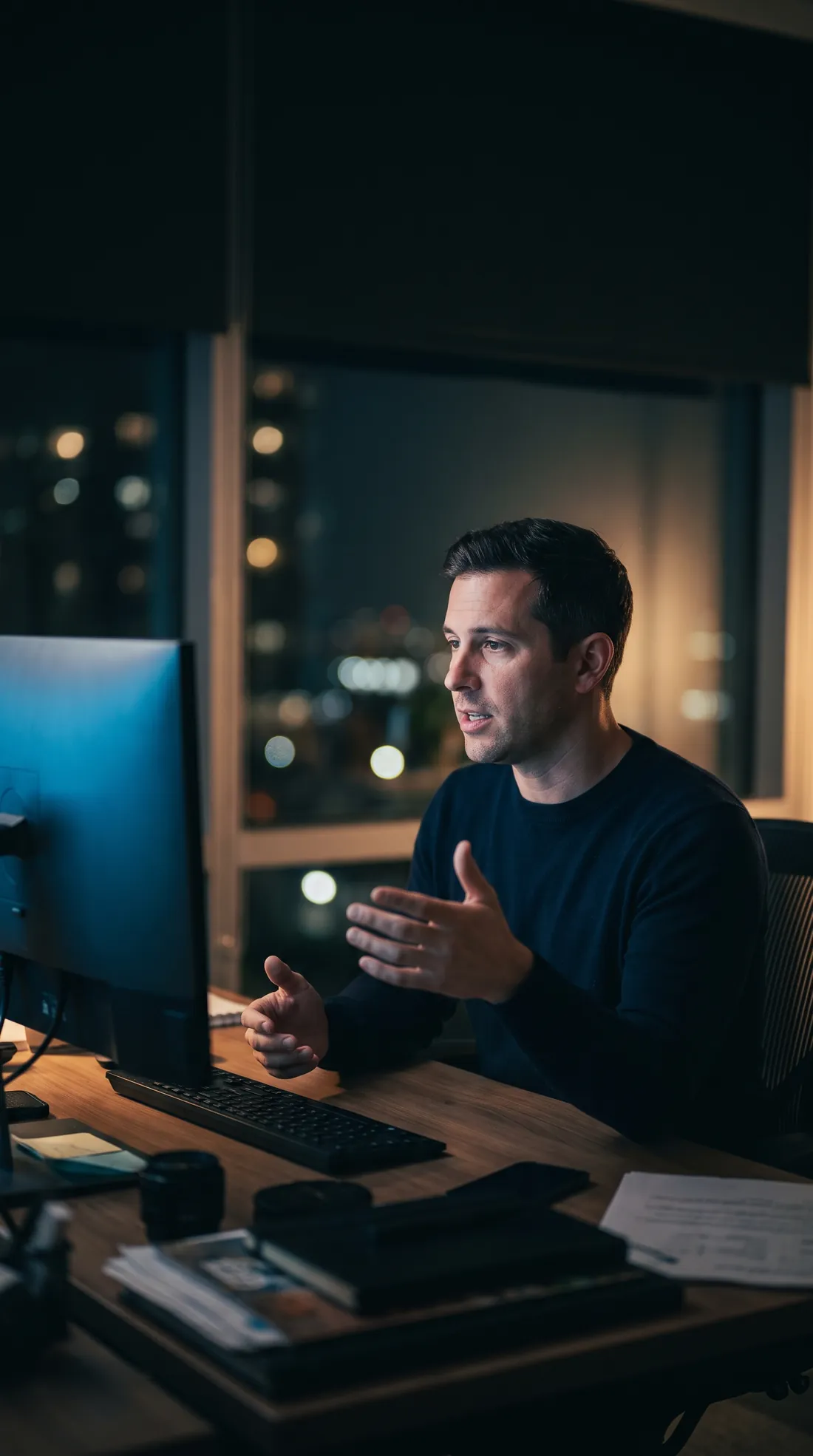
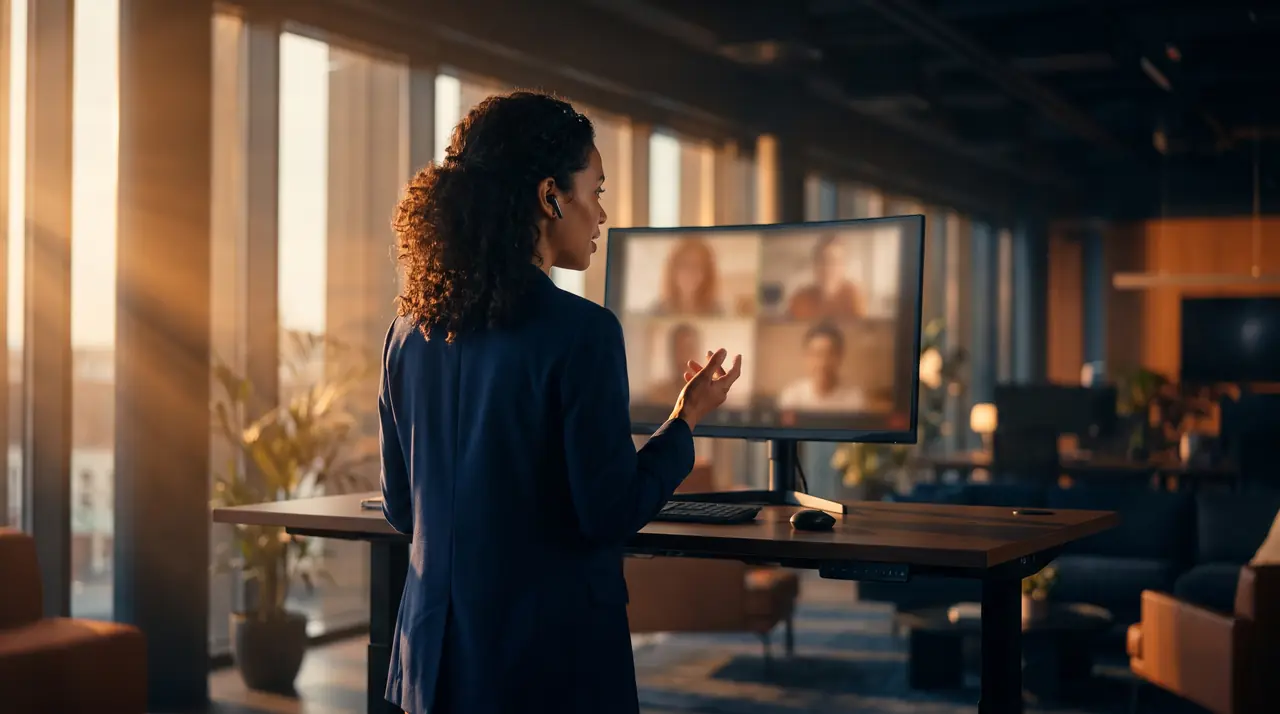
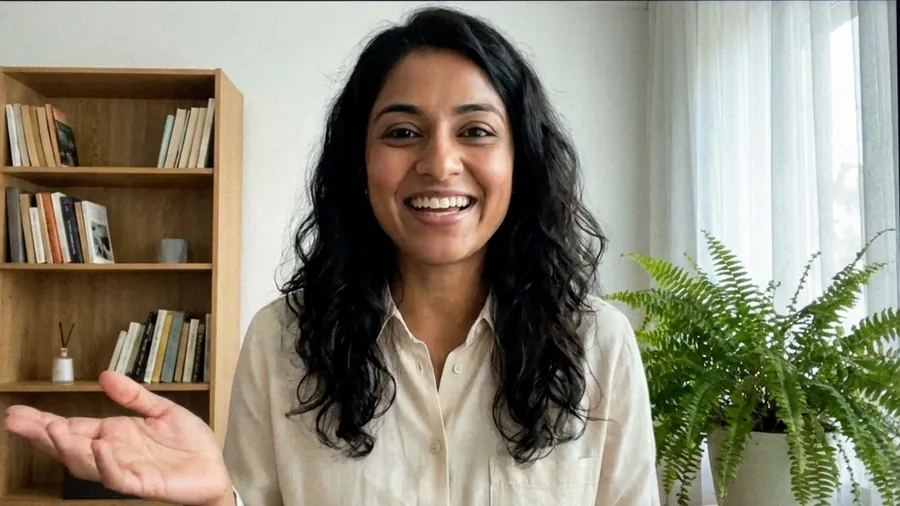
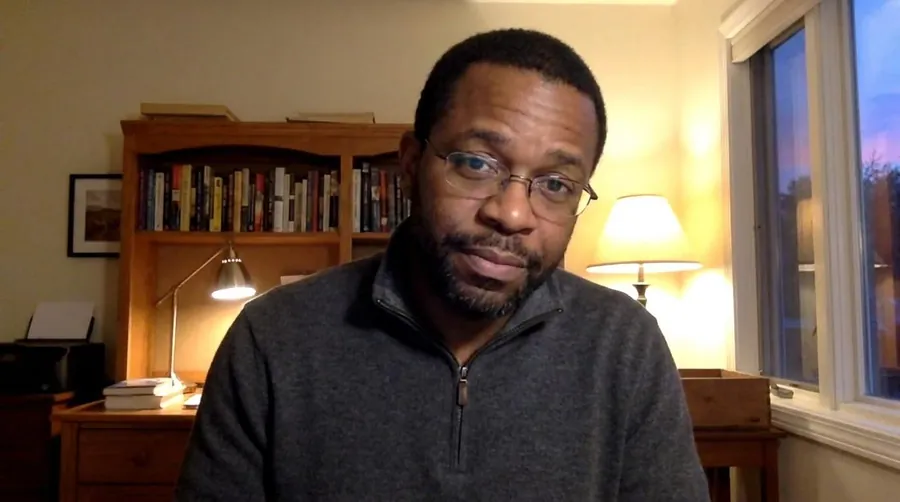
Thanks, Priya. Screenshots will be ready by Wednesday.Running ten minutes late, start without me.Approved. Ship it Monday if payments pass.
✓ Pasted · 0.23 s
Dictation + meeting notes · Windows
Talk through your day. It's all written down.
Say your emails instead of typing them. Sit in your meetings instead of taking notes. A9 Voice writes both, knows who said what, and keeps it all in files on your PC.
When Teams, Zoom or any app you pick opens the mic, A9 Voice starts recording on its own. You get eight seconds to discard it if this one shouldn't be kept.
No bot joinsMic + computer audio
Recording Teams callDiscard 8
Live names
Speaker 3 becomes Priya. In seconds.
Tag a voice once and every line from that person carries the name. With voice recognition on, regulars are named as they speak. It's off until you turn it on, and voiceprints never leave your PC.
Tag onceOpt-in voice recognitionNo bot
Priya NairMarco SilvaElena RuizTom Becker
Recording · TeamsNorthwind launch review
Snips
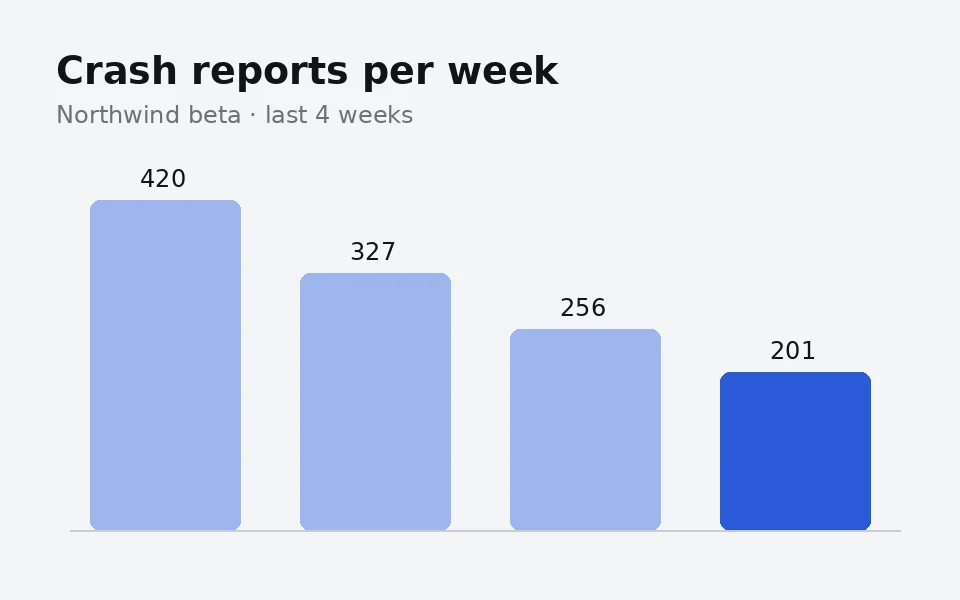
Someone shares a chart. Snip it into the record.
Win+Shift+S during a call drops the screenshot into the transcript at that moment, and into the meeting's folder.
Win+Shift+SLands at 14:32
Screenshot added00:27 · images/
Notes
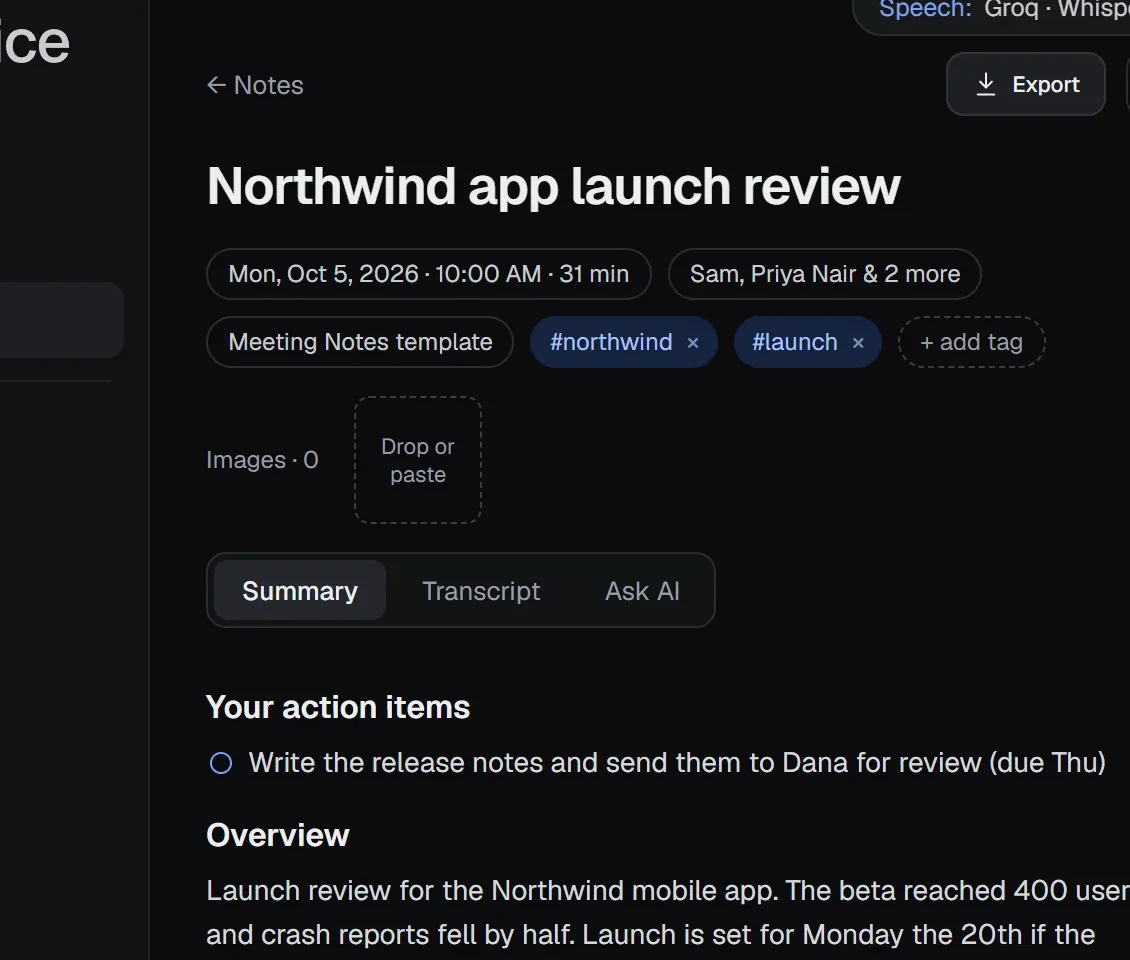
The call ends. The notes are already there.
Your own action items come first. Decisions link to the moment they were made. Named after the meeting, filed in a folder with the date.
Summary templatesPDF · Word · email
Ask
"What did Marco say about the payment fix?"
Press Ctrl+K and ask across every meeting you've recorded. Every answer links to the exact moment, or says it couldn't find it.
Ctrl+KQuick and Deep
Ctrl KWhat did Marco say about the payment fix?
He's taking the payment fix himself and wants a second tester on older Android phones before the launch on Monday the 20th. 01:10 · Launch review
Why people switch
No bot in your call.
It records your mic and your computer's audio, right on your PC. Nobody sees an assistant in the participant list.
Your files, not their cloud.
Every note is a folder of plain Markdown on your PC. Claude, ChatGPT or any tool that reads files can use it.
Your keys. Or no internet at all.
Run speech models on your PC with no key, or bring your own provider keys and pay them directly.